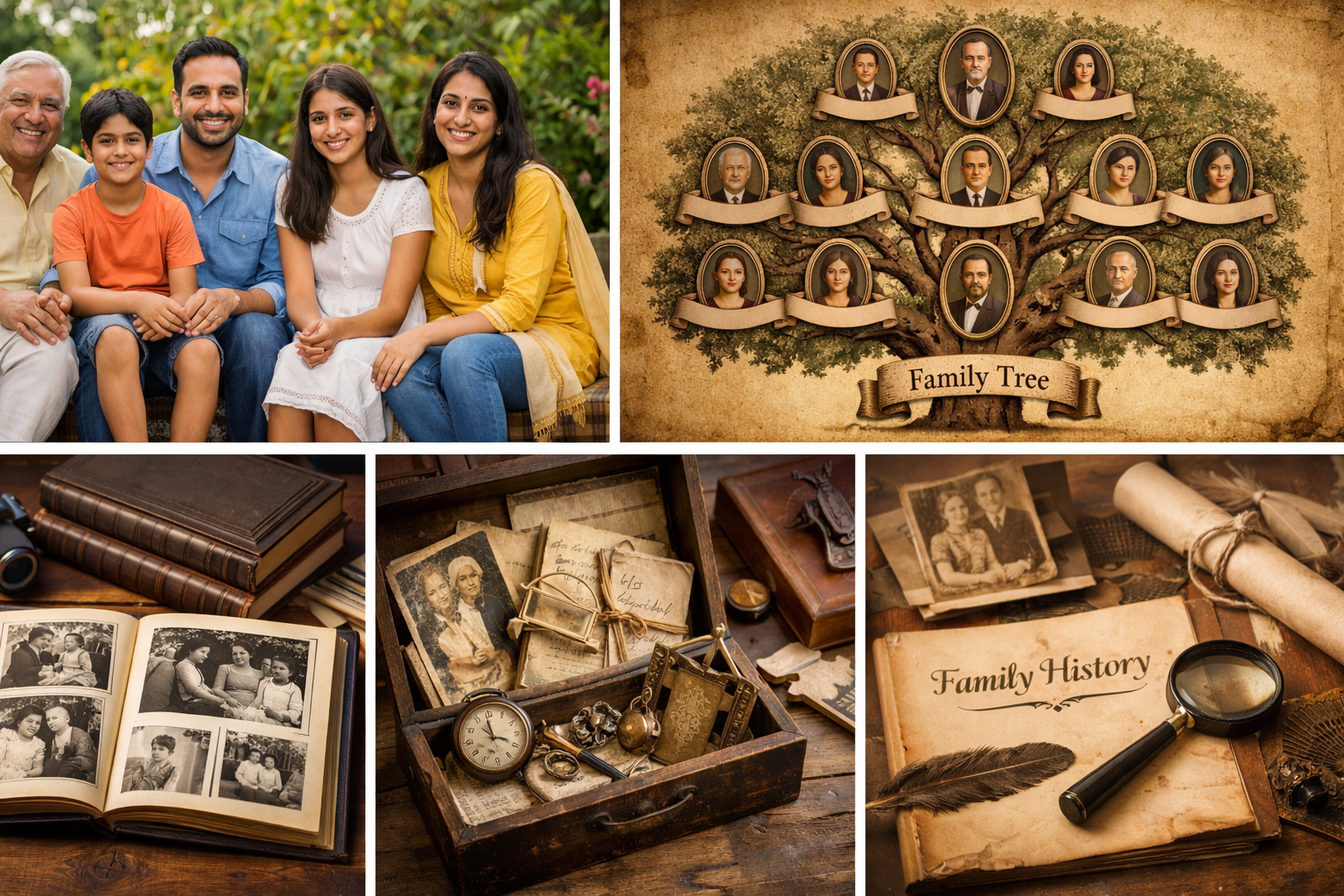
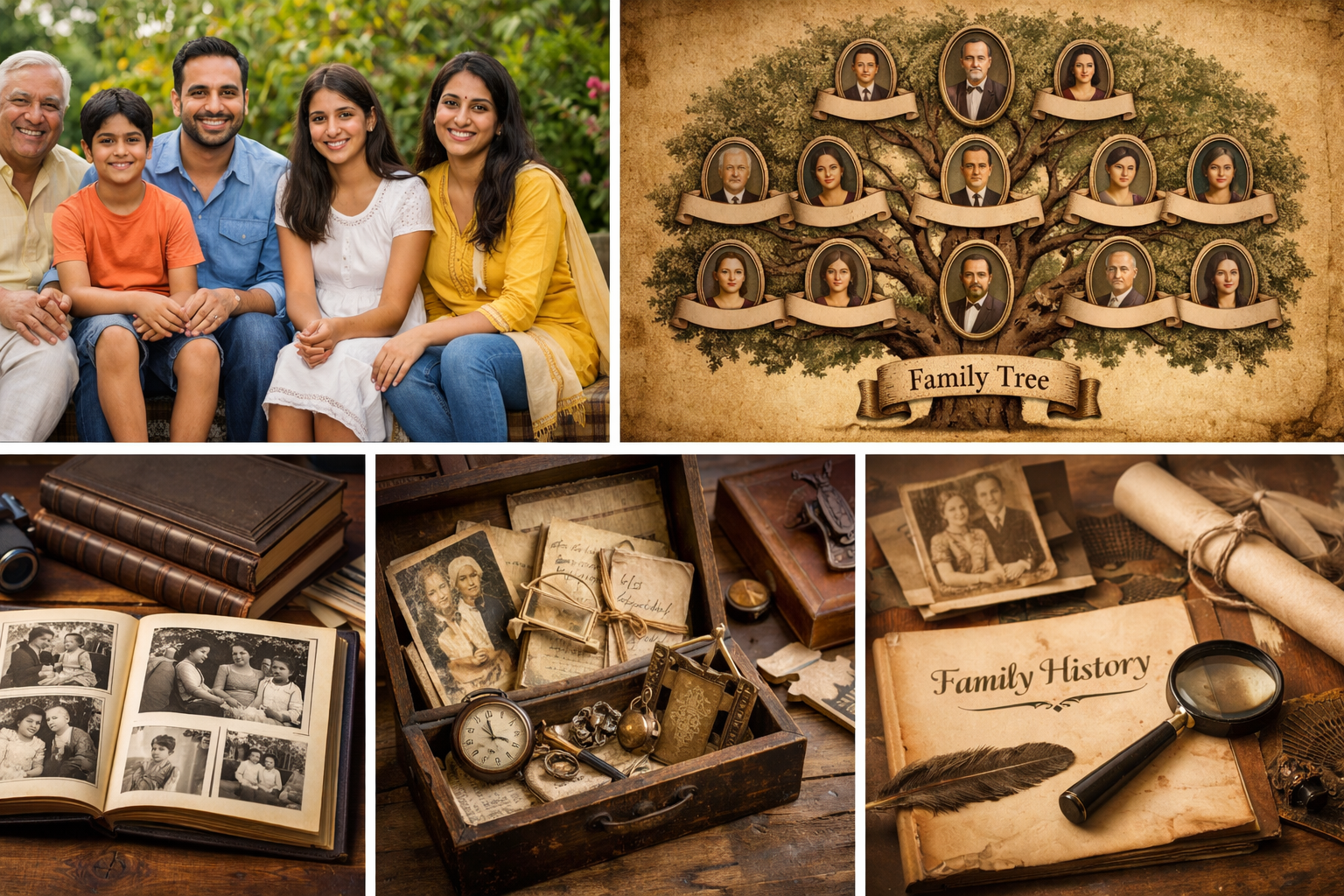
Create your family tree, manage relationships, record life events, preserve memories, and keep relatives connected— all in one secure place.
Everything you need to “go back to your roots”
Designed for families that want structure (tree + relationships), discovery (facts + history), and connection (contacts + meetups + reminders).
Comprehensive features
Core tree + relationships, plus the practical capabilities families actually use over time.
Family Tree Builder
Create generations, branches, and lineage views—clean and navigable.
Build upward (ancestors) and downward (descendants). Keep each person’s profile consistent, searchable, and connected.
Relationship Management
Link parents, spouse, and children—everything else is derived via graph logic.
Maintain accurate relationships, avoid duplicates, and keep each connection auditable (who linked, when, and why).
Member Search & Directory
Search by name, phone, branch, place, or tags—find relatives fast.
A living directory: view contact details (as allowed), relationships, and quick links to tree and profile.
Events & Reminders
Birthdays, wedding anniversaries, death anniversaries, milestones.
Keep a unified family calendar and optionally send reminders to the right group of relatives.
Places & Roots
Birthplace, places lived, migrations, and family origin mapping.
Capture movement across cities/countries with years, reasons, and notes—great for future “family map” views.
Documents & Evidence
Upload certificates, letters, photos, and supporting artifacts.
Keep important records linked to the right person or family branch (with privacy controls).
Memories & Storytelling
Write stories, preserve voice-of-family, store albums & notes.
Create a “living history”: traditions, occupations, achievements, migrations, and turning-point moments.
Connect & Collaboration
Invite relatives, propose edits, verify facts, reduce conflicts.
Make it a shared project with roles (admin/member) and controlled permissions for edits and approvals.
Meetups & Meeting Management
Plan reunions, track attendance, share agenda and notes.
Run family gatherings like a mini-community: announcements, responsibilities, and post-meetup memories.
How it works
Simple steps to go from “scattered memories” to a structured, living family archive.
Create your family space
Sign in and start with yourself or a known ancestor. Add basic details and a profile photo.
Connect relationships
Link parent/spouse/children. The tree becomes the single source of truth across generations.
Record life events
Capture birth/marriage/death details, anniversaries, and important milestones with notes.
Preserve & collaborate
Upload photos/documents, write stories, and invite relatives to contribute safely.
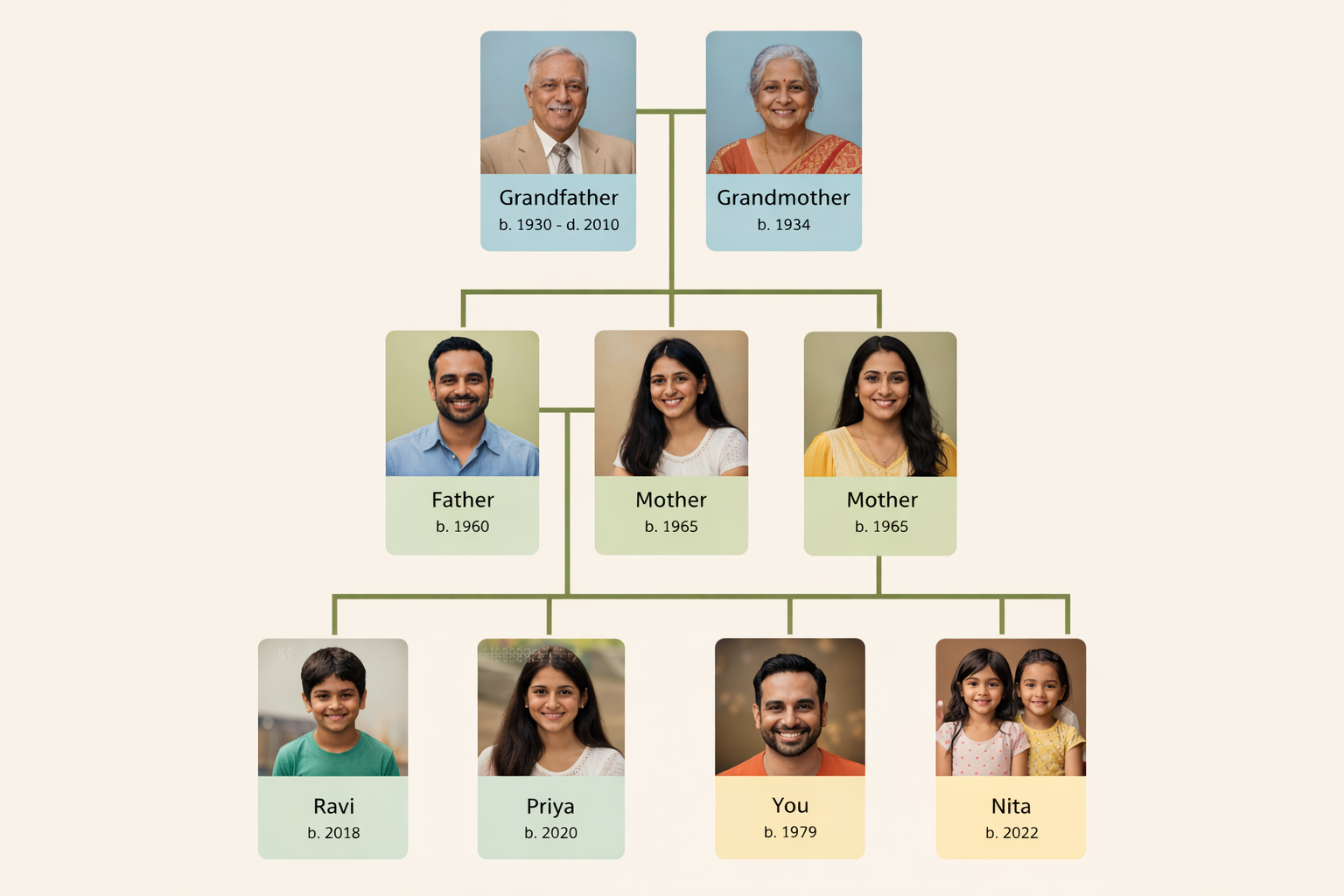
Sample tree view styles
These are example visuals you can use on the website (and later offer as selectable “views” inside the product).
Pedigree (Ancestors)
Best for tracing upward lineage: parents → grandparents → great-grandparents.
Descendants (Downward)
Best for showing children, grandchildren, and branch growth.
Fan Chart (Compact ancestry)
Great for compact viewing on smaller screens—quick ancestry overview.
Privacy & family controls
Family history is personal—OurRoots is designed for privacy-first sharing.
Private by default
No public indexing. Your family data stays within your authorized group.
Use role-based access for edits. Keep sensitive information (addresses/phones) limited to trusted relatives.
Selective sharing
Share only what you intend—by person, branch, or module.
Store approximate location/years if needed. Add notes for context without exposing private details.
Fact-finding and verification
Capture what is known, what is suspected, and what is verified.
Use evidence attachments (documents/photos) to support dates and relationships, reducing family disputes over time.
Recommended data approach
Practical structure for long-term maintainability.
• Keep birth/marriage/death with source notes
• Store addresses as “city + years” if sensitive
• Use tags: occupation, clan/branch, village, migration
• Add memories as stories with photos/documents
• Prefer one profile per person (avoid duplicates)
Support & contact
Need help onboarding your family group, or want a demo of the tree + relationship flow?
OurRoots
OurRoots.co — A private family heritage platform
Email: support@ourroots.co | Phone/WhatsApp: +91-XXXXXXXXXX